

















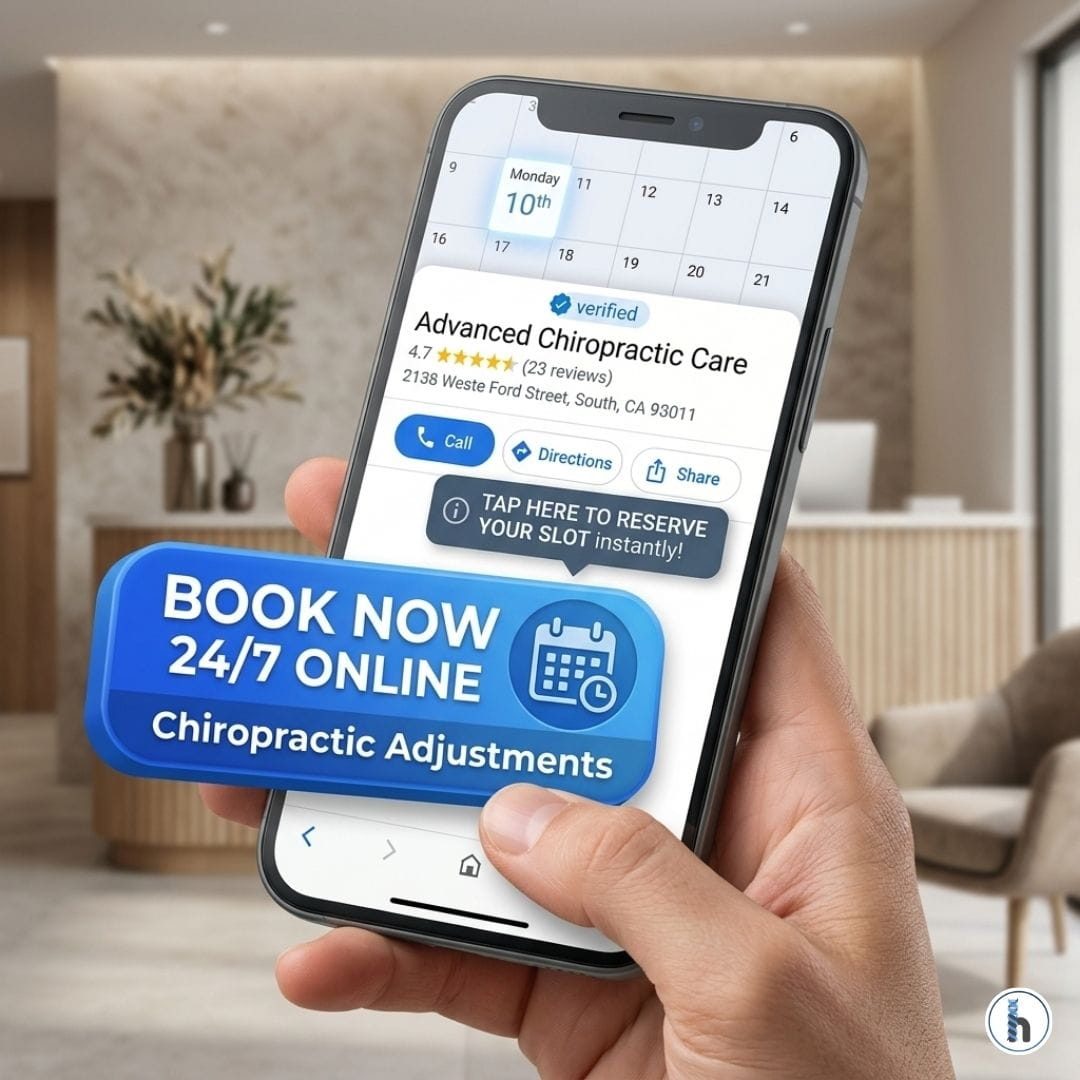
Streamlining Your Chiropractic Practice: Google’s “Blue Button” + HelloNote
Table of Contents
The 2026 Patient Capture Secret: Over 40% of online medical bookings occur between 7:00 PM and 7:00 AM. If your front desk is closed and you don’t have a direct “Book Now” button on Google, you are losing nearly half of your potential new patient volume.
Why the "Blue Button" is the Modern Front Desk
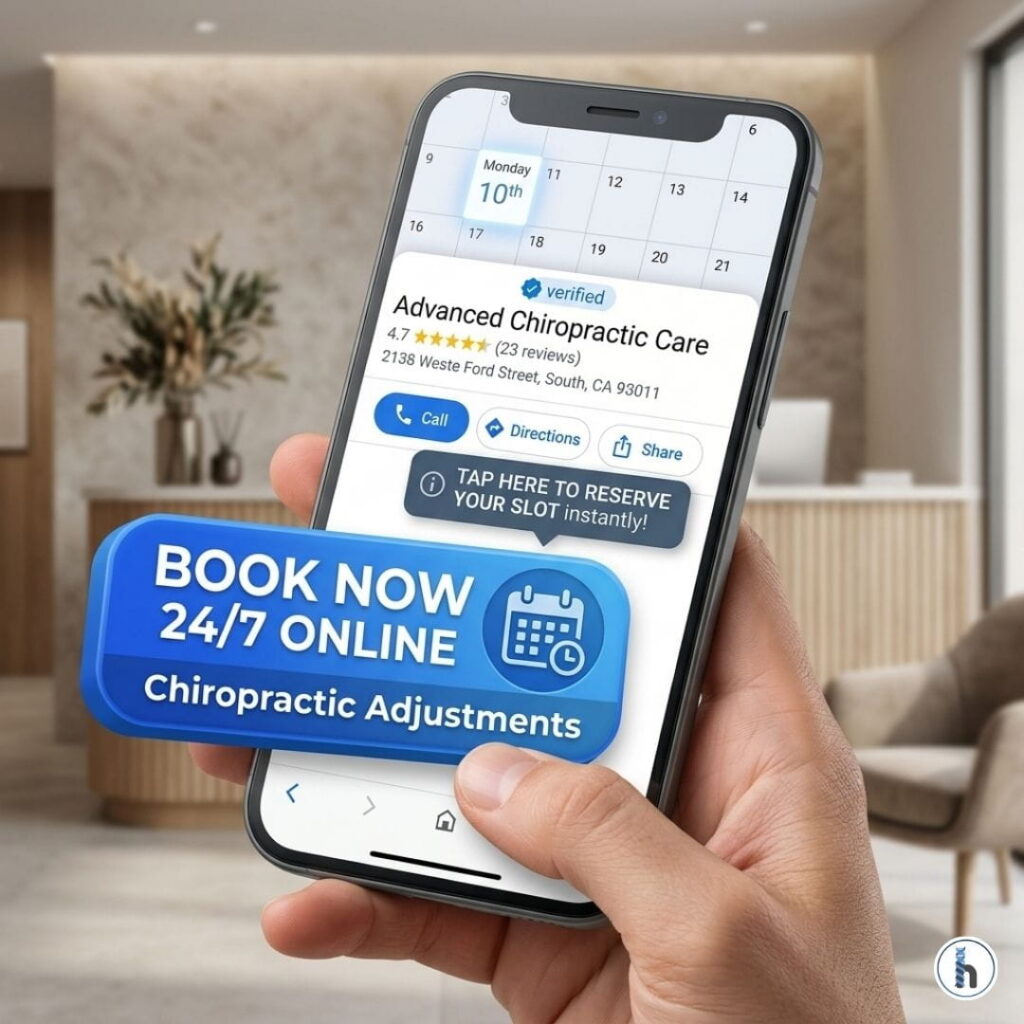
In 2026, the patient journey almost always begins with a mobile search. When a patient with acute low back pain finds your clinic on Google Maps, the “Blue Button” represents the fastest path to relief. By integrating HelloNote’s unique Patient Portal URL directly into your Google Business Profile, you capture the patient at the peak of their intent—no phone tag required.
Step-by-Step Integration Guide
Connecting your HelloNote schedule to Google takes less than five minutes and requires zero coding knowledge:
- Retrieve Your Link: Log into HelloNote, navigate to Settings > Patient Portal, and copy your unique Online Scheduling URL.
- Access Google Business: Log into your Google Business Profile.
- Update Appointment Link: Click on “Edit Profile” and find the “Booking” or “Appointments Link” field.
- Paste & Verify: Paste your HelloNote URL and save.
- Test the Flow: Open Google Maps on your phone, find your clinic, and click the blue button to ensure it directs correctly to your HelloNote portal.
The Chiropractic Advantage: Real-Time Flow
For a high-volume chiropractic practice, every manual task removed from the front desk is a win for the bottom line.
Real-Time Availability & Intake
The HelloNote portal only shows the slots you want to fill, preventing double-bookings. Furthermore, patients can fill out their health history and sign consent forms digitally before they even arrive for their first adjustment.
AI Scribe Synergy
Once the patient arrives via your Google booking, use the HelloNote AI Scribe to document the session. The AI understands specific chiropractic terminology, such as:
“T5-T6 subluxation”
“Diversified technique”
“Activator adjustment”
“Cervical muscle strain”
It drafts your SOAP note in real-time while you perform the adjustment, ensuring your documentation is audit-ready before the patient leaves the table.
Comparison: Manual vs. Automated Booking
| Feature | Manual Phone Booking | Google “Blue Button” + HelloNote |
| Availability | Office hours only. | 24/7 (Always Open) |
| Data Entry | Manual staff entry; typos common. | Direct patient entry into EMR. |
| No-Show Rate | High (without manual calls). | Low (Automated SMS/Email reminders). |
| Staff Focus | Tied to the phone. | Focused on patient care. |
The Therapist’s Insight: The After-Hours Goldmine
My lived-experience tip: Don’t just set it and forget it. Use HelloNote’s Referral Source Tracking to see exactly how many new patients are coming from the “Google Button.”
Pro Tip: If your “Blue Button” volume is high on weekends, consider opening up specific “New Patient Evaluation” blocks on Monday mornings. This ensures weekend searchers are seen while their motivation (and pain level) is highest.
Frequently Asked Questions
No. When you use your own HelloNote Patient Portal URL, Google does not charge a per-booking fee. You are simply adding a direct link to your own software, bypassing third-party “Reserve with Google” middleman fees.
No. HelloNote’s scheduling engine features Real-Time Sync. When a patient books through the Google-linked portal, that slot is instantly blocked out across all your devices, ensuring your front desk and practitioners see the same availability.
Yes. Within HelloNote’s Portal Settings, you can toggle which services appear. For example, you may want to allow “New Patient Exams” and “Routine Adjustments” to be booked online while keeping “Complex Re-evaluations” for phone scheduling only.
Because the “Blue Button” links directly to your HIPAA-compliant HelloNote portal, the data never stays on Google. All health history and contact information are encrypted and sent directly into your HelloNote EMR, where a new patient shell is automatically created.
Yes. The HelloNote AI Scribe is trained on diverse chiropractic terminology. Whether you utilize Thompson Drop, Gonstead, or Webster techniques, the AI recognizes the verbal cues and accurately categorizes them into the “Objective” and “Plan” sections of your SOAP notes.